
Tab Volume Booster — per-tab volume up to 300%
Громкость вкладки — усилитель звука до 300%
Громкость вкладки — усилитель звука до 300%
Make one tab quieter or up to 3× louder. A limiter keeps boosted sound from clipping. No ads, no data collected.
| Firefox | tab-volume-booster-300 |
|---|---|
| Firefox id | tab-volume@dmitryq |
| Permissions |
|
| Optional | none |
| Sites |
|
| Optional sites | none |
| Runs on |
|
| Firefox data collection | {"required": ["none"]} |
Screenshots from the store materials.
Text from the Firefox Add-ons page.
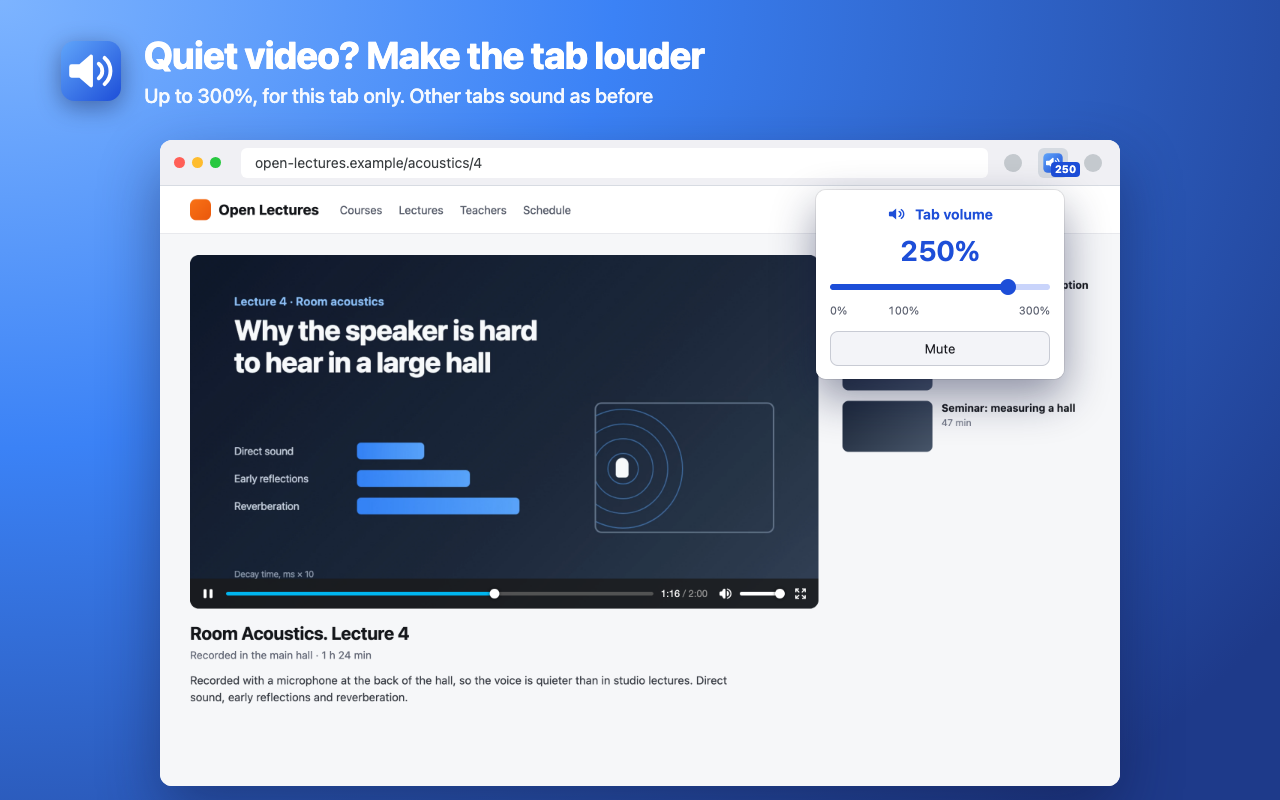
Make one tab quieter or louder, from 0 to 300%. A quiet lecture, a call recording or a film with mumbled dialogue gets louder, while music in the next tab stays as it was.

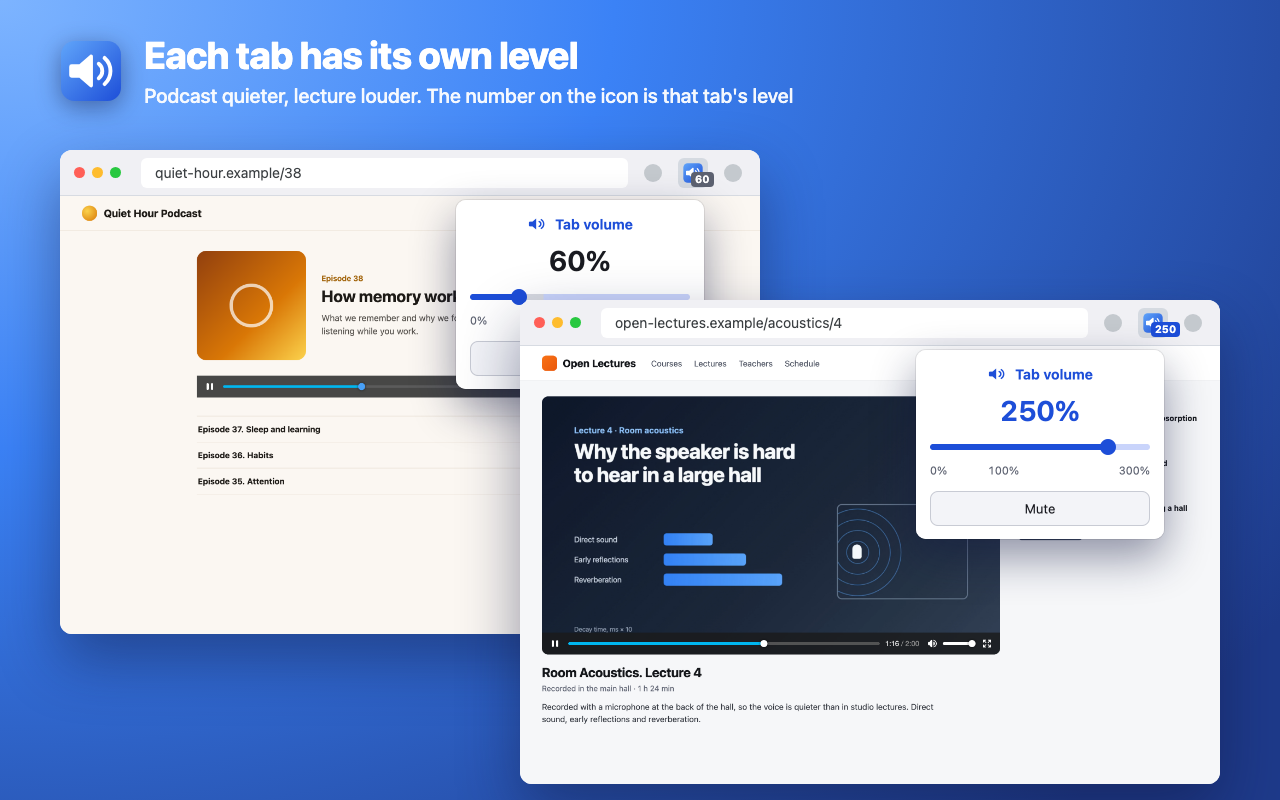
Click the icon and move the slider. The number on the icon shows that tab's level.

WHAT'S DIFFERENT
• Fullscreen works as usual: the add-on changes the volume of the videos and audio on the page itself and doesn't take over the tab's sound.
• Loud without clipping. Above 100% a limiter keeps loud parts from hitting the ceiling while quiet parts get louder.
• Until you move the slider off 100%, the add-on does nothing to the page. The site's own player volume isn't changed: the tab level multiplies what the player already plays.
• Each tab has its own level. It stays through reloads and navigation in that tab and resets when the tab is closed.
• Mute and back in one click, to the level you had. The 100% mark returns the original volume.
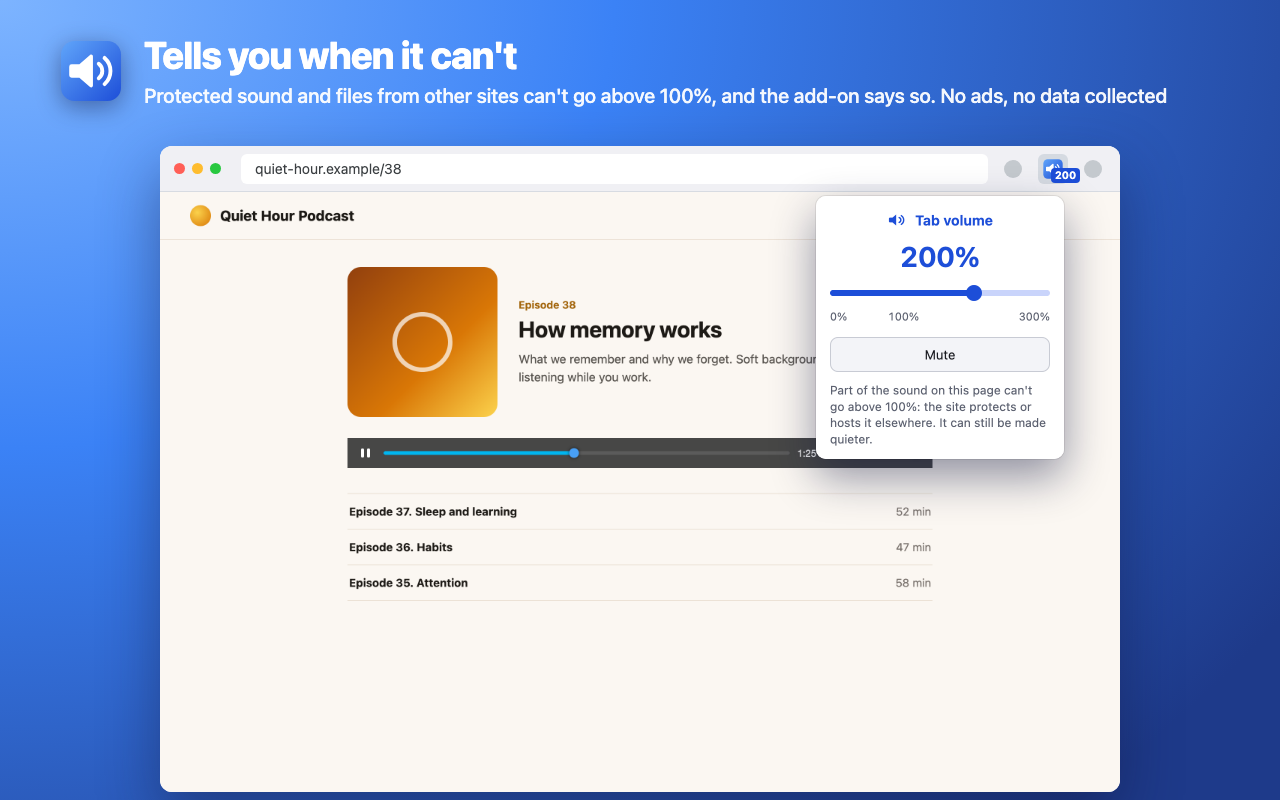
• Honest hints. If sound on a page can't be made louder, the popup says so and why.

WHERE IT WORKS
Video and audio on websites, including players embedded in other pages.
• Copy-protected video on paid streaming services, and files a site loads from another address without permission, can't go above 100% — only quieter.
• If the site itself or another add-on (an equalizer, for example) already processes the sound, the add-on steps aside: that sound can't go above 100%, it can still be made quieter, and it never plays twice.
• Sound a site synthesizes itself (games, some music services) isn't changed.
• The browser lets a page get louder than 100% only after a click on it. If there hasn't been one, the popup asks for it.

PRIVACY
• No ads, analytics, sign-up or servers.
• The add-on doesn't read page text or keep a history. It stores only the levels of open tabs, in browser memory, until the tab is closed.
• Sound is processed inside the browser, never recorded or sent anywhere.

TIP
Boost gradually: at 300% small laptop speakers can sound harsh.

English and Russian interface, light and dark theme.